


Full View
Liknande föremål
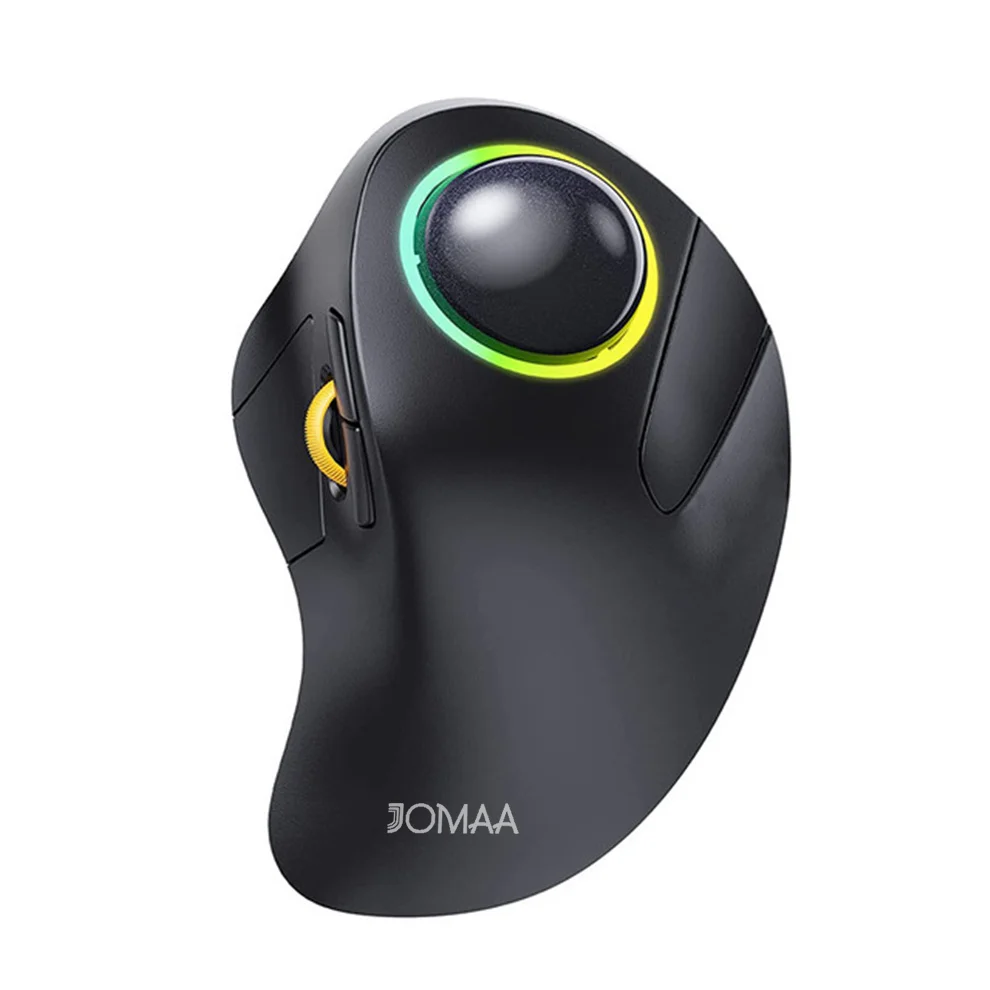
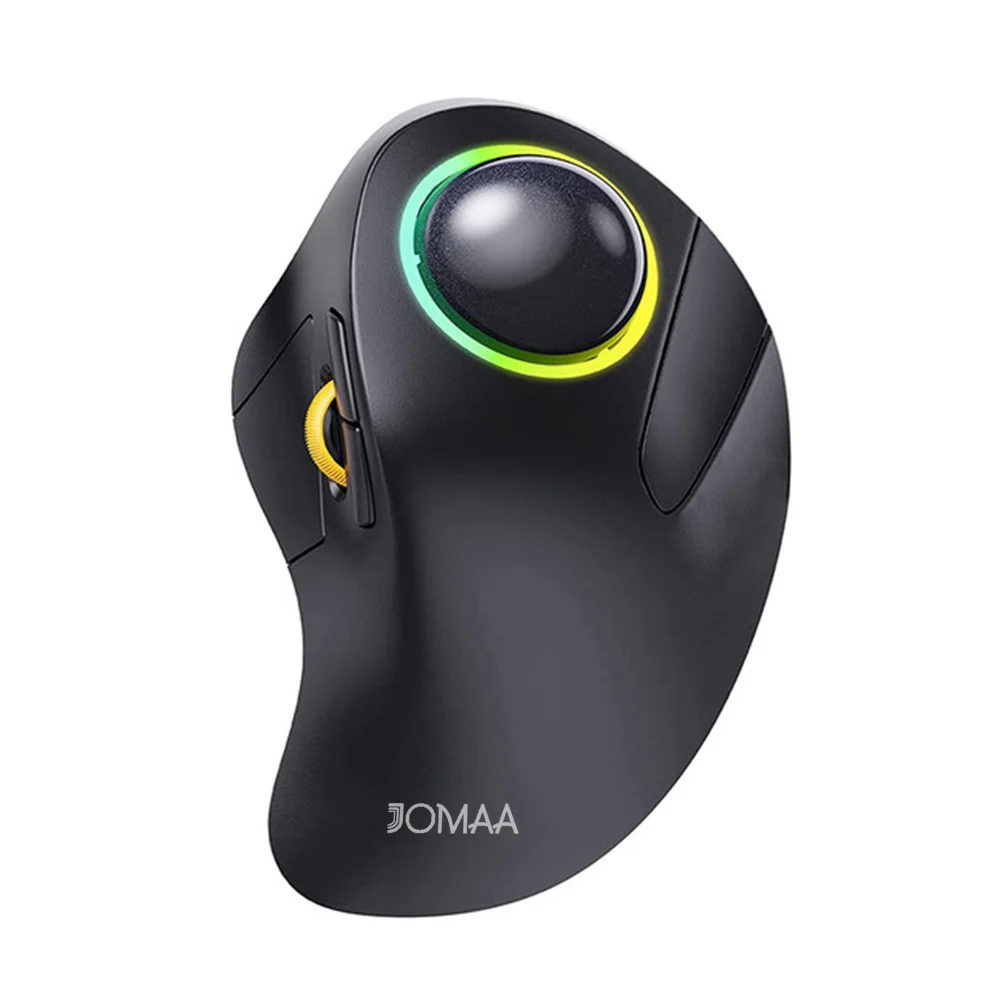
RGB Backlit Bluetooth Trackball Wireless 2.4G Rechargeable Ergonomic Rollerball Gaming Mouse For Laptop Mac IPad Gamer
457,13kr678,77kr
Färg : Svart
Mängd :

Rapportera
Inkludera upphovsrättsintrångGratis standardfrakt. Se detaljer
Beräknad mellan Sun, Jul 19 och Sat, Jul 25
Du kan returnera produkten inom 30 dagar efter mottagandet. Se detaljer
Handla med självförtroende

Pengarna-tillbaka-garanti
Få varan du beställt eller pengarna tillbaka. Läs mer
About this item
Hämtad från TechNex
Seller assumes all responsibility for this listing.Artikelnummer: 39287778
Item specifics
Storlek
Full-size
Nyckeltyp
Mechanical Switches
Switch Typ
Linear, Tactile, Clicky
Kompatibilitet
Windows, macOS, Linux
Connected devices
1
Illuminated Keys
JA
Anslutningsmöjligheter
Bluetooth, Logi Bolt USB
USB-typ
USB-A
Logi Options
Javisst
Item description from the seller
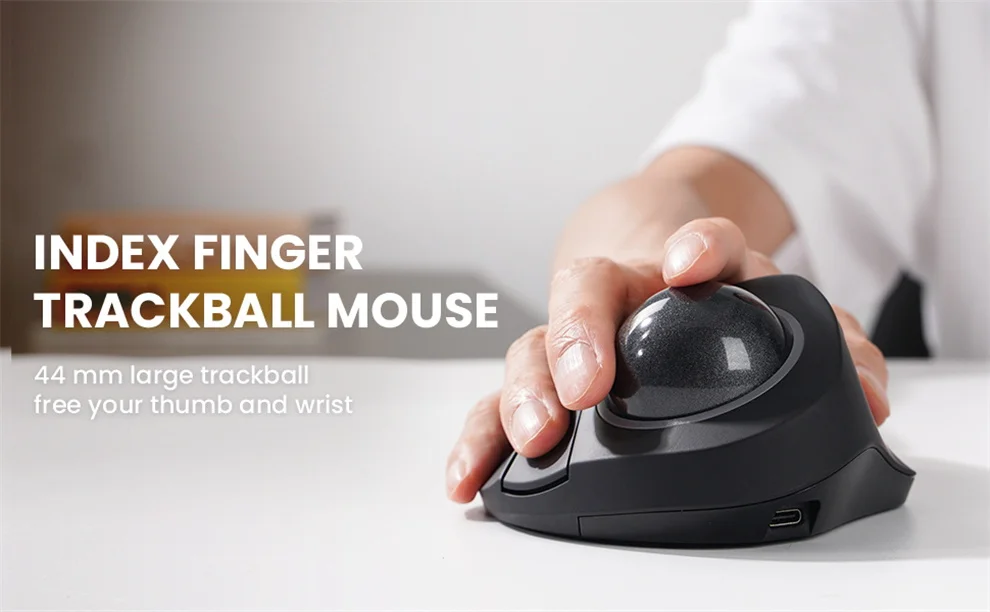
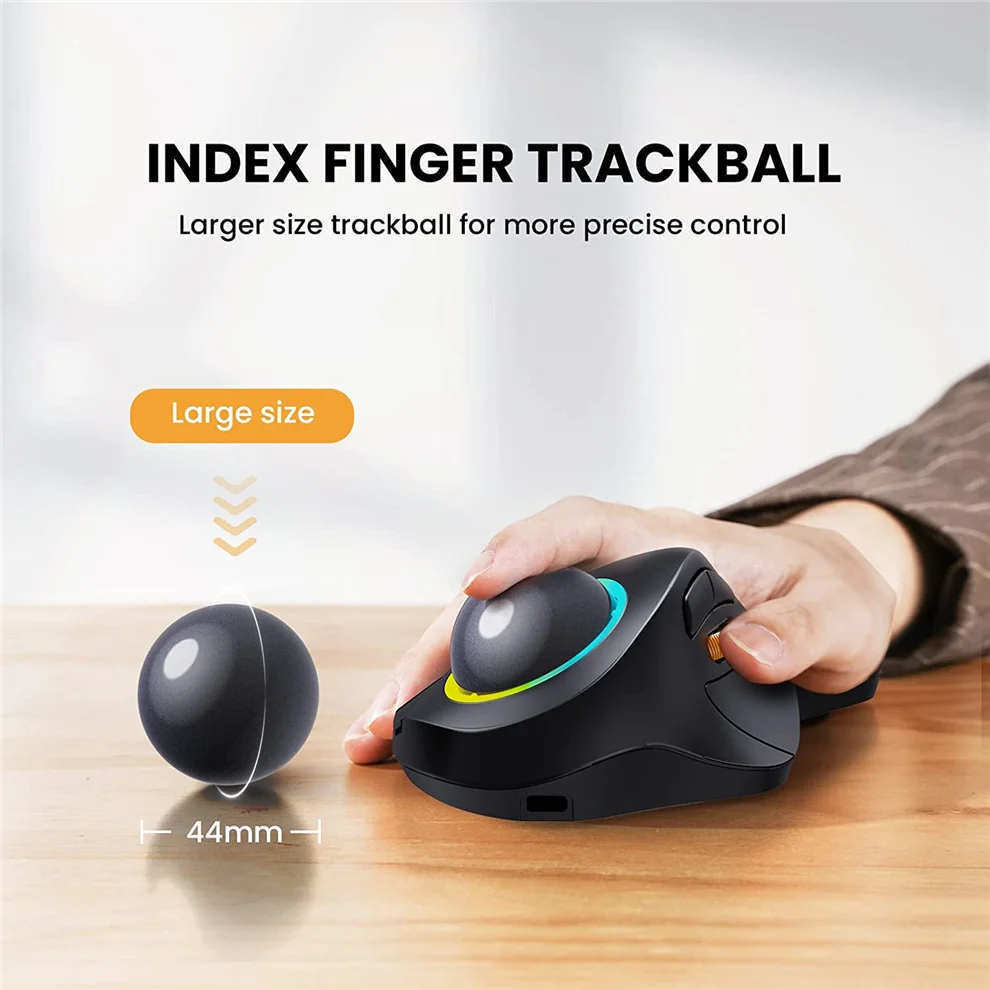
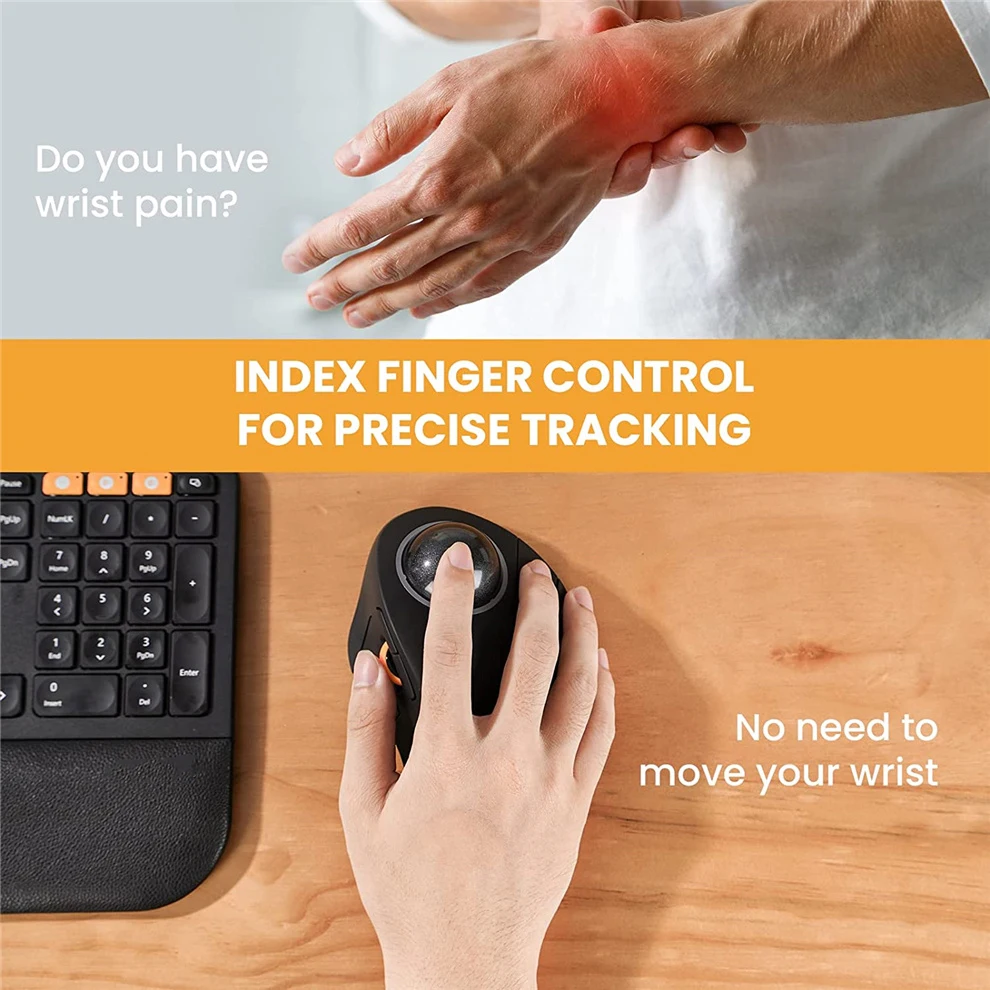
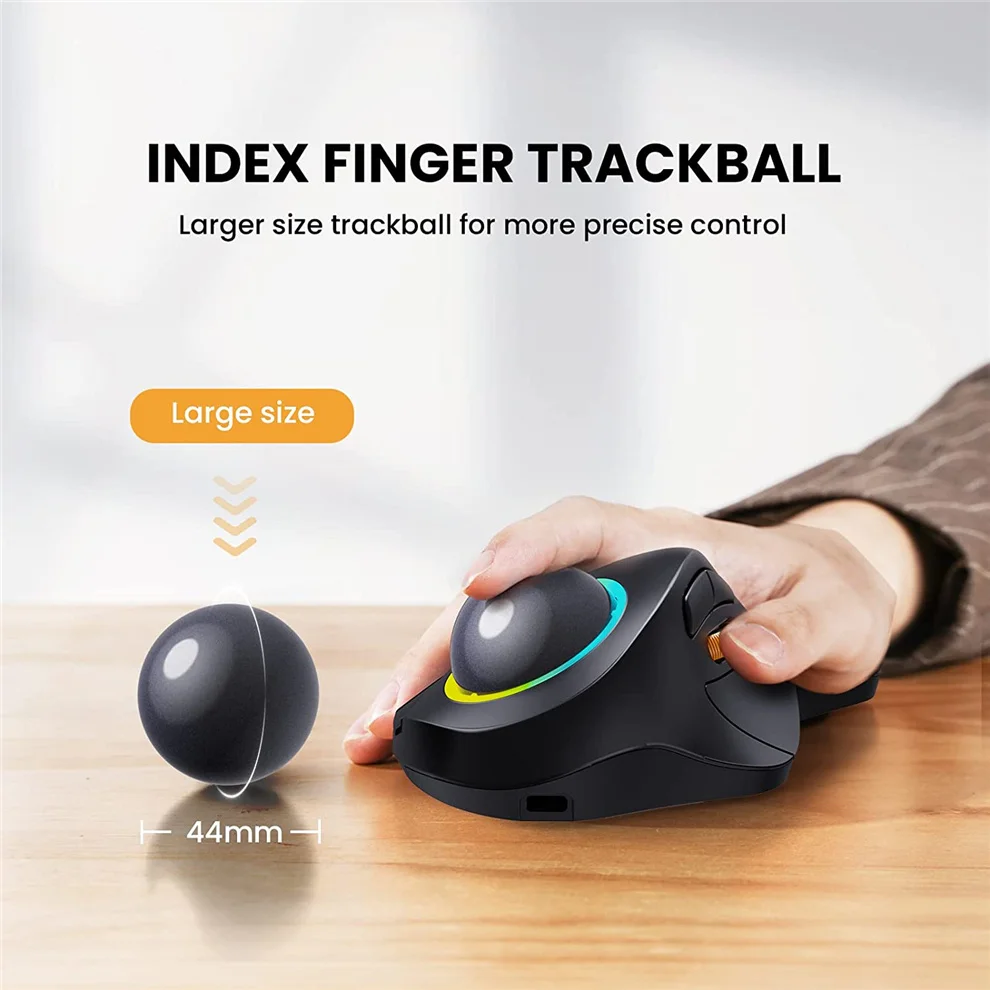
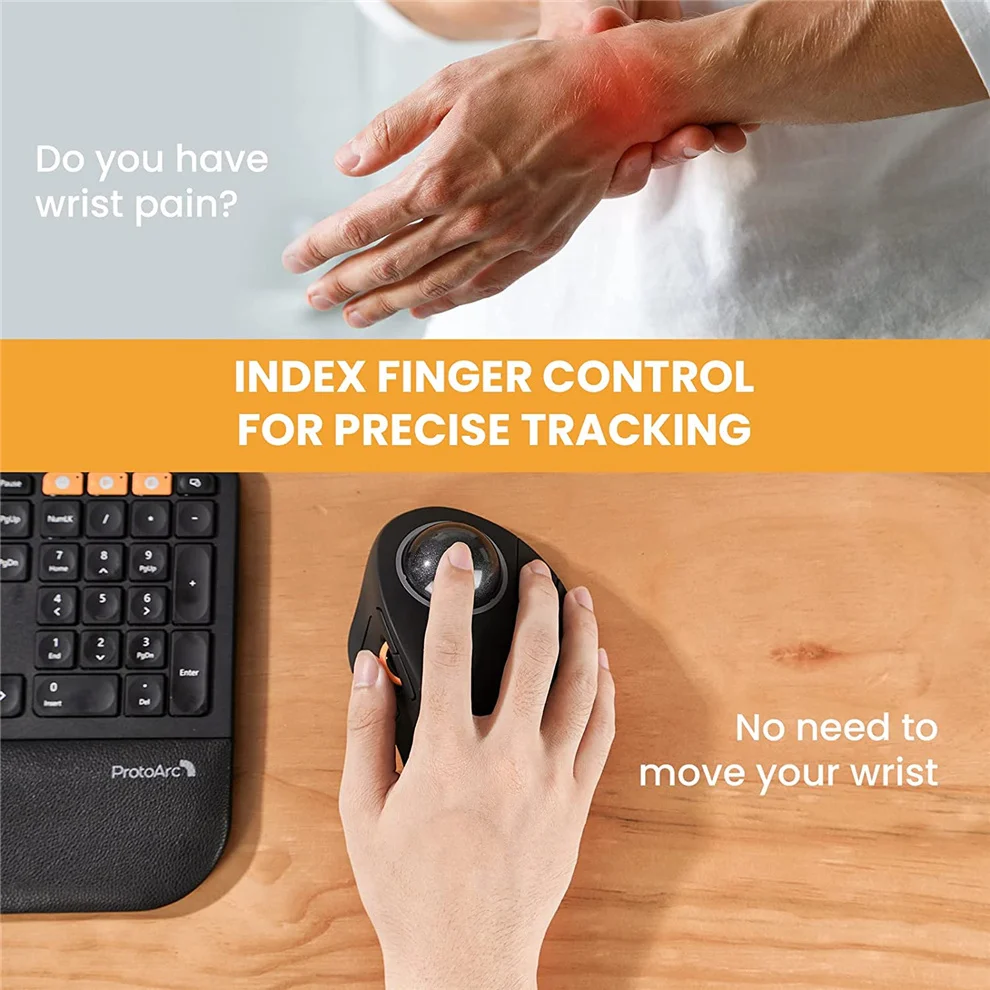
INDEX FINGER TRACKBALL
Equipped with a 44mm trackball, move your cursor with a single finger movement instead of moving your wrist and arm.It will effectively reduce fatigue and strain on your wrist and arm.
Ergonomic Design
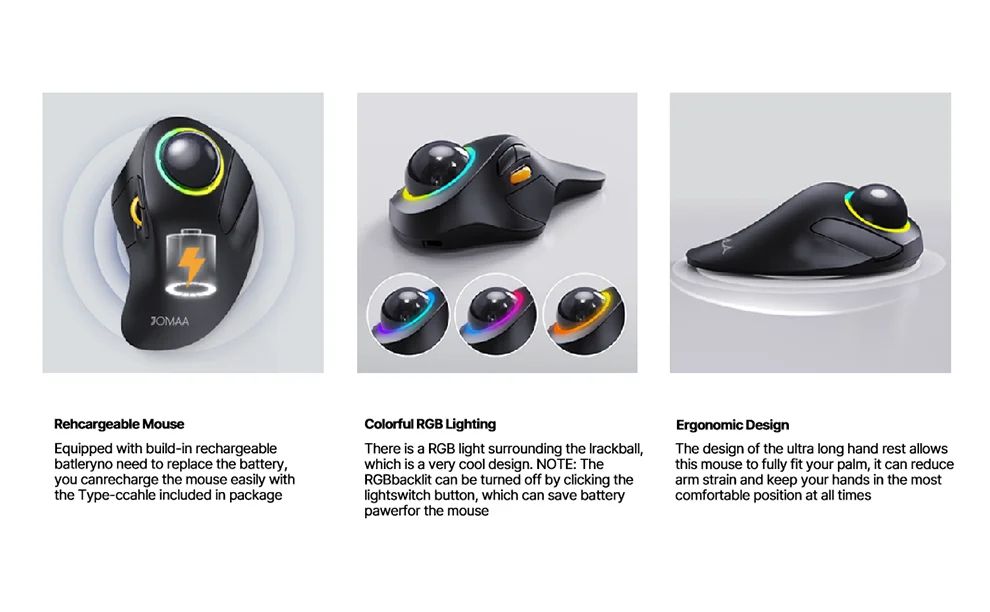
The design of the ultra-long hand rest allows this mouse to fully fit your palm, reducing arm strain and keeping your hands in the most comfortable position at all times.
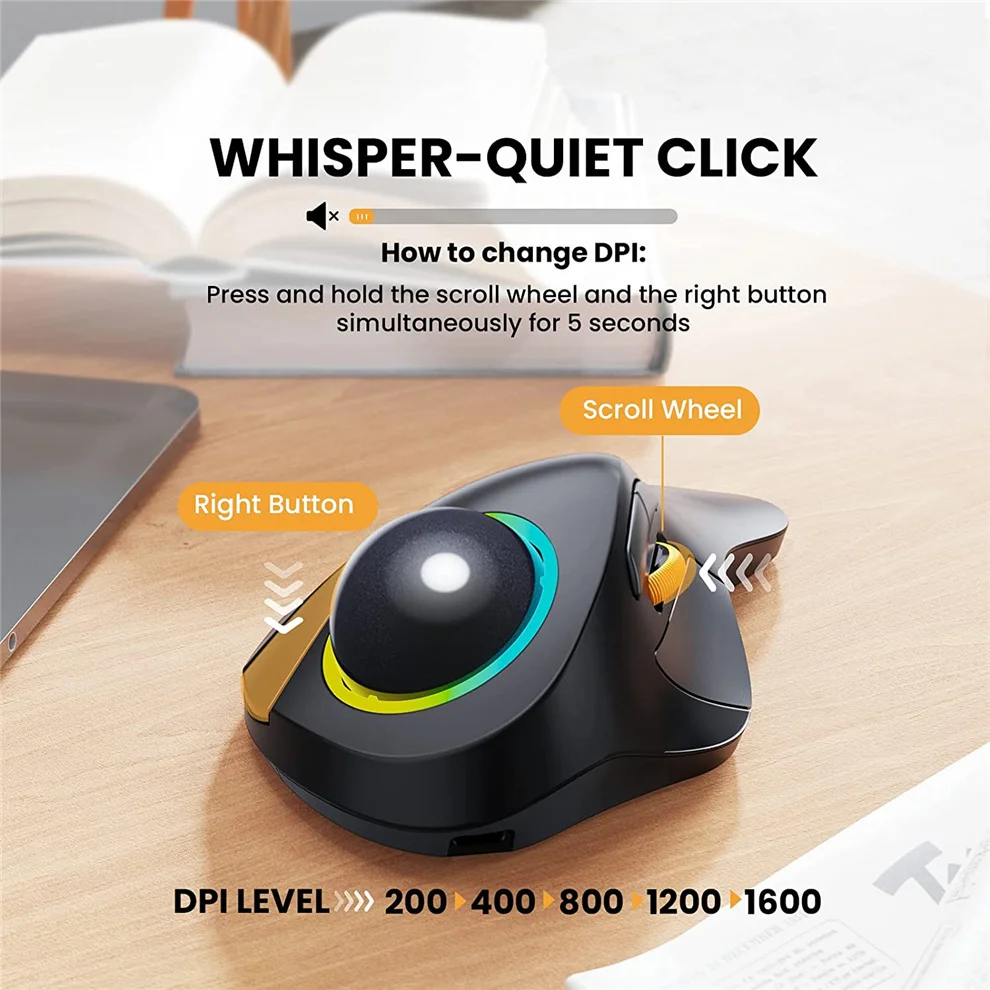
Whisper-quiet Click
5 DPI levels (100/200/400/800/1600 DPI)
Rechargeable Mouse
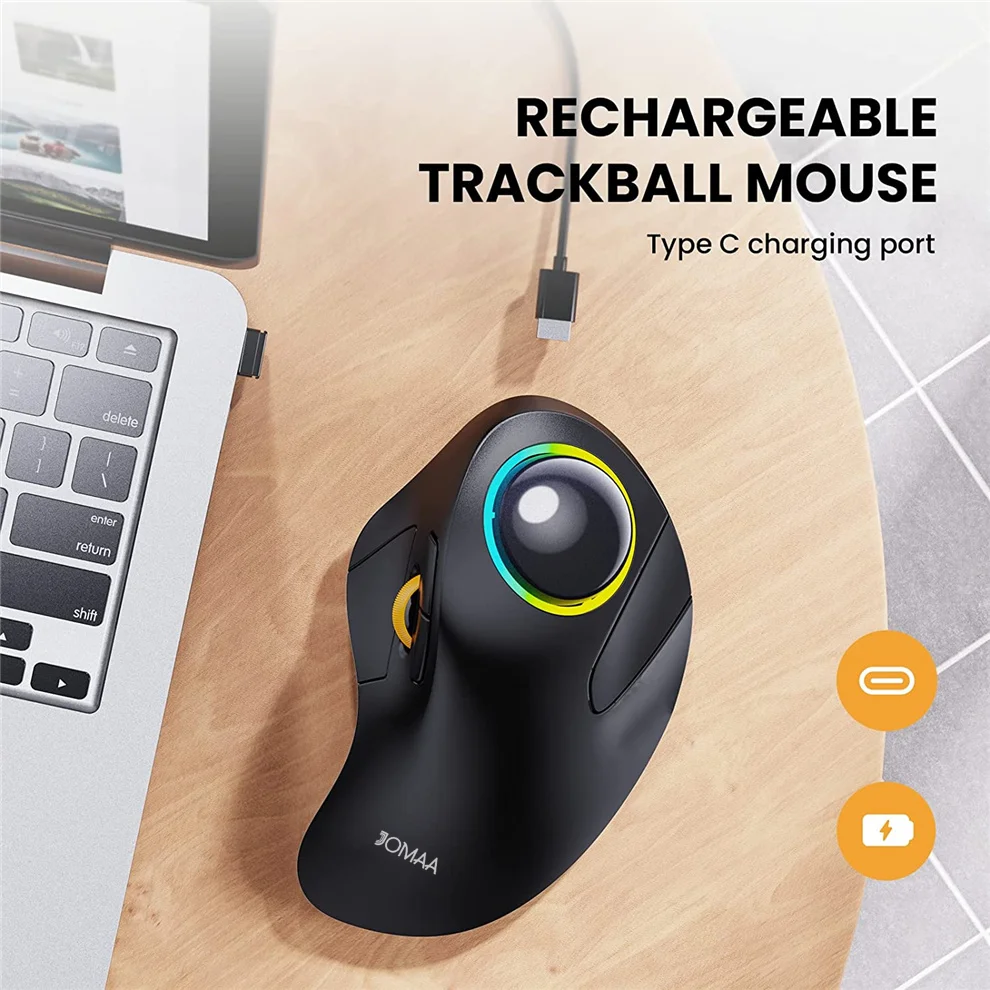
Equipped with a built-in rechargeable battery, there is no need to replace the battery, you can easily recharge the mouse with the Type-C cable included in the package.
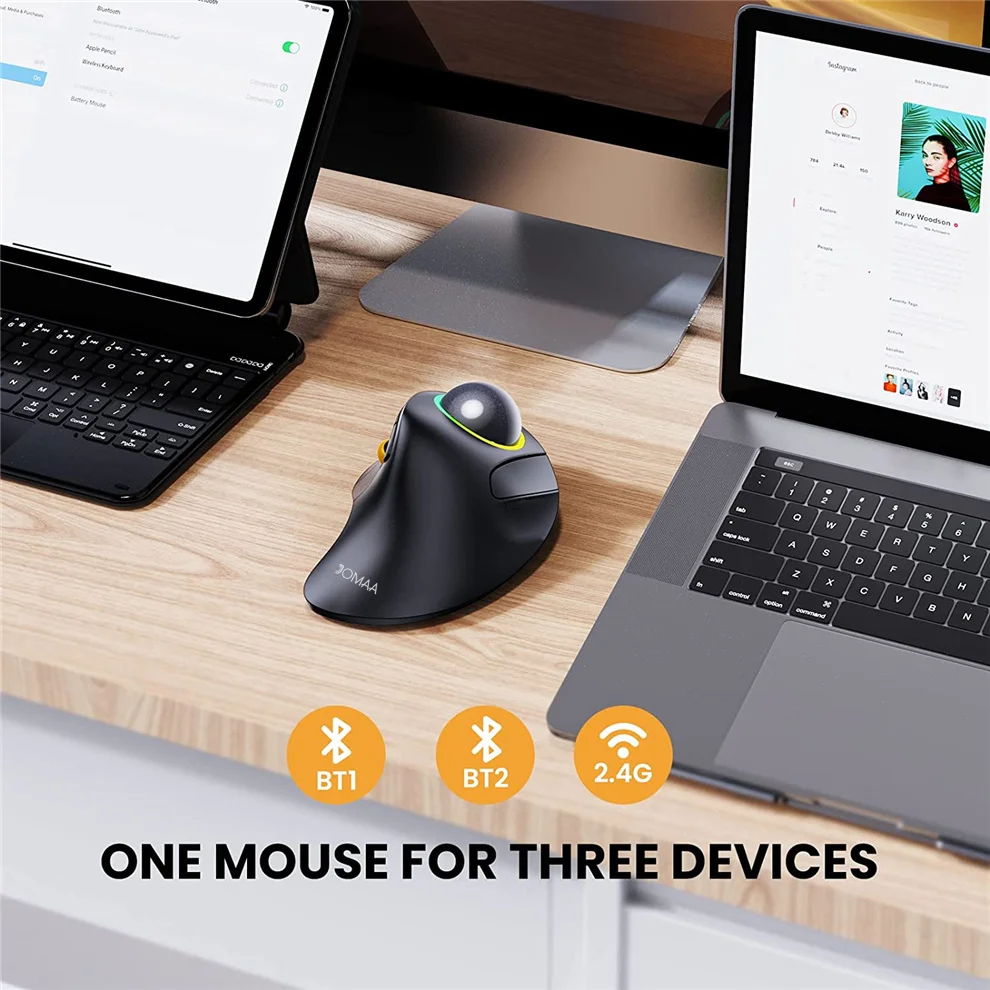
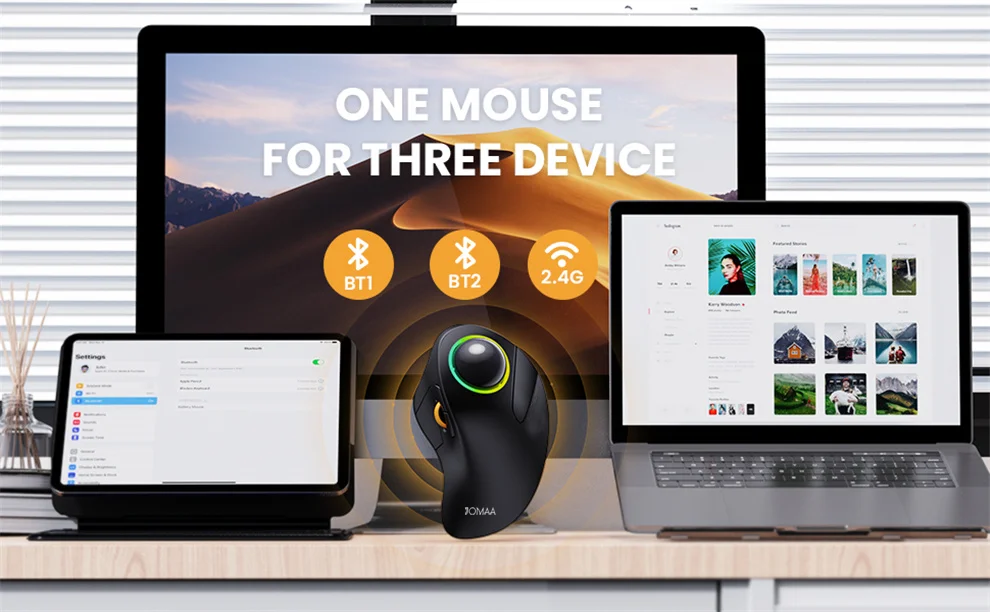
One mouse for three devices
This trackball mouse has three connection modes.You can control three devices at the same time.
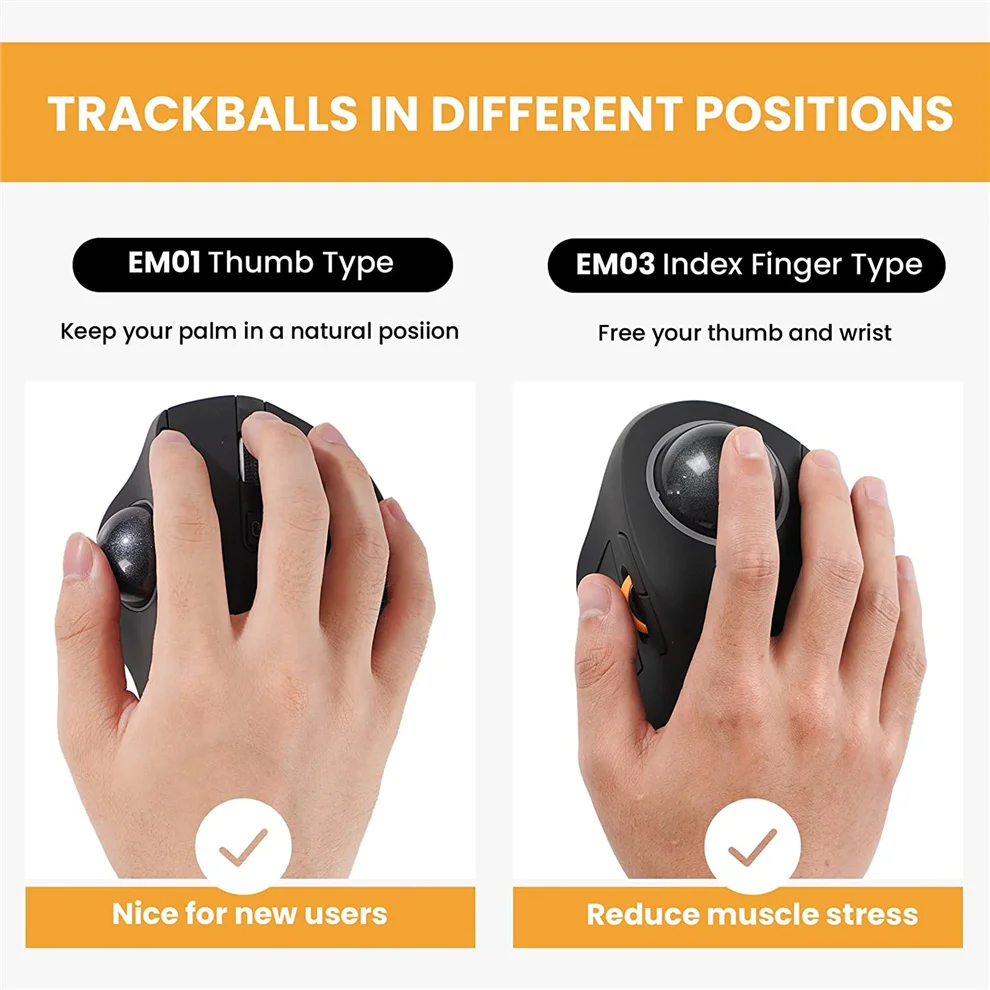
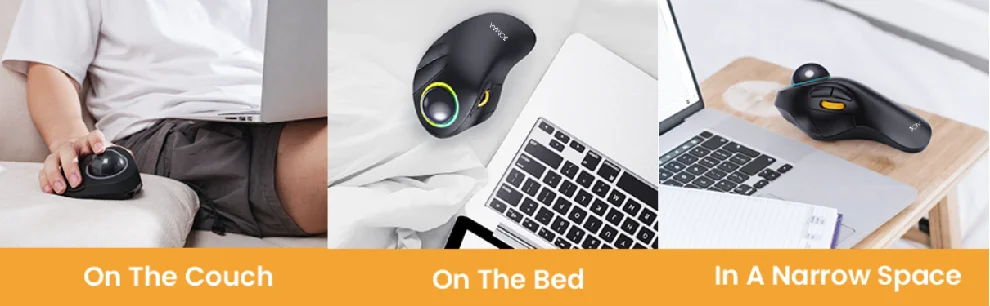
Trackballs in different positions
After long-term use, please remove the trackball and wipe it with a soft cloth to ensure the trackball rolls smoothly;
The backward and forward button is not fully compatible with Mac OS;
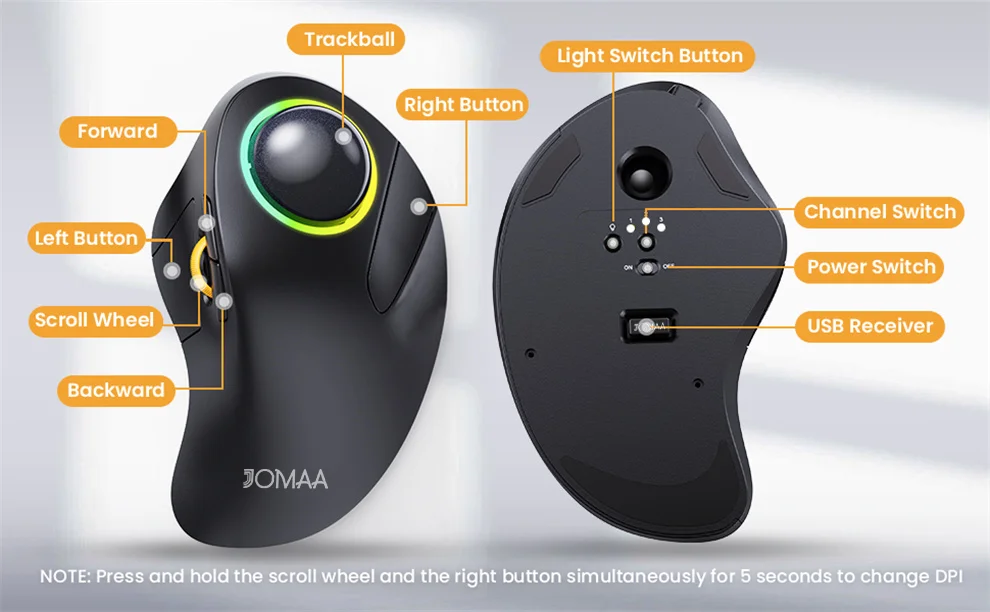
Press and hold the scroll wheel
Press the left and right buttons simultaneously for 5 seconds to change DPI;
The mouse can be connected with 2.4G (USB dongle) + Bluetooth1/Bluetooth2 (without the dongle);